Guides / Waivers
Guide · WaiversGym liability waivers: what to include and how to manage them
A waiver only helps if it is clear, signed by the right person, and signed before they train. Here is what most gym waivers cover, where state law changes the picture, and how to run them without a filing cabinet.
The short version
- This is general information, not legal advice. Have a lawyer in your state review your waiver.
- Describe your real activities and risks in plain language. Vague, copied waivers are the weak ones.
- Rules differ by state, especially for children and for facilities that charge a fee.
- Electronic signatures carry the same weight as ink under US federal law.
- Track which version each person signed, and check for a signature at the door, not afterwards.
Almost every gym, studio and martial arts school asks members to sign a liability waiver. Far fewer could say exactly which version a given member signed, or whether the teenager in tonight's sparring class has a guardian's signature on file. The wording matters, and so does the paperwork around it.
What a waiver is, and what it is not
A liability waiver is a contract in which a member agrees, before taking part, not to hold your business responsible for certain injuries. Lawyers call the key part anexculpatory clause: a clause that releases one party from liability.
Courts in many states will enforce a clear waiver for ordinary negligence, meaning an everyday mistake. Waivers generally do not protect a business fromgross negligence or reckless conduct, and they never replace good safety practice and the right insurance. Think of a waiver as one layer of protection, not the whole wall.
What most gym waivers include
Your lawyer will shape the details, but most gym and studio waivers cover the same ground.
- Who is agreeing. The member's full name, date of birth and contact details, and your business's legal name.
- The activities. What you actually offer: weights, group classes, sparring, mat work, open gym. Be specific.
- The risks. The injuries that can realistically happen in those activities, described in plain words.
- Assumption of risk. A statement that the member understands those risks and takes part voluntarily.
- The release. The clause releasing your business from liability, as far as your state's law allows.
- Health and fitness. Confirmation that the member is fit to take part, or has asked a doctor.
- Rules. An agreement to follow staff instructions and your gym rules.
- Guardian section. For under-18s, a parent or guardian's details and signature.
- Signature and date, captured in a way you can find again years later.
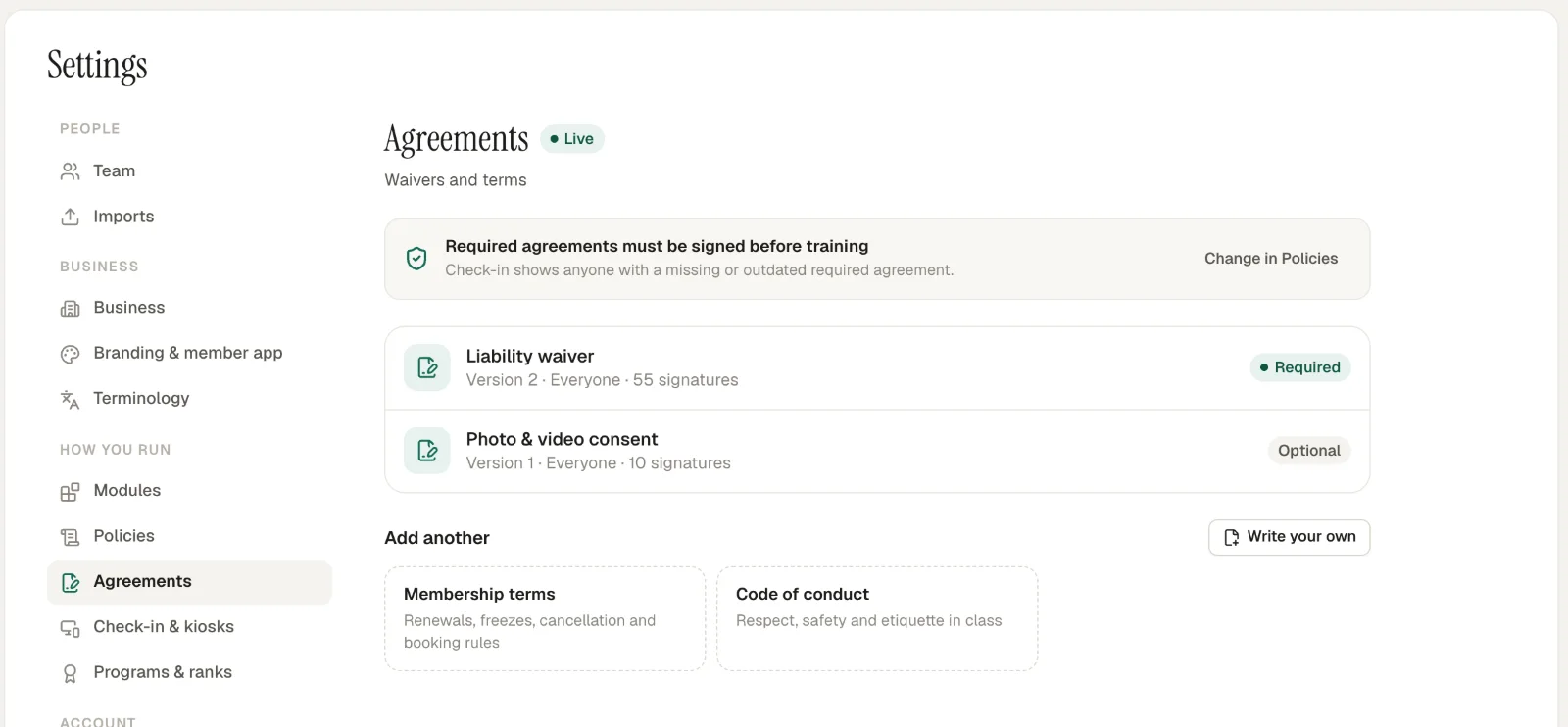
Keep separate permissions separate. Photo and video consent, for example, is better as its own optional agreement than as a line buried in the waiver, so a member can say no to one without refusing the other.
State law changes the picture
There is no single US rule for waivers. Most states enforce clear pre-injury waivers for ordinary negligence. Some scrutinise them closely, and a few limit them sharply for certain kinds of business.
New York is a well-known example. Its General Obligations Law § 5-326 makes waivers void when the operator of a gym, pool or other place of recreation charges a fee and the injury comes from the operator's own negligence. A waiver that would help a gym in one state may do little in another.
Minors are where states differ most
In some states, a parent can sign away a child's right to bring certain claims. In others, courts have held that a parent cannot do that in advance at all. If you teach children, this is the single most important question to ask your lawyer. Either way, collect a parent or guardian's signature for every child, for each child individually.
Paper, PDF or digital?
Any of them can be valid. They differ in how easy they make the parts that matter on a busy evening.
| Paper | PDF by email | Digital, in your software | |
|---|---|---|---|
| Finding one later | A filing cabinet | An inbox search | On the member's record |
| Knowing who has not signed | Hard | Hard | Automatic |
| Checked at the door | Only if staff remember | Rarely | At every check-in |
| Version tracking | Manual | Manual | Automatic |
| Guardians for each child | One form per child | One file per child | Linked to each child |
Electronic signatures are on solid ground. Under the federal ESIGN Act, a signature or contract cannot be denied legal effect solely because it is in electronic form. What still matters is the same as on paper: the wording, how it was presented, and a reliable record of who signed what, and when.
Version your waiver, and know who signed which
Your waiver will change. You add a new class, your lawyer updates a clause, you move into a bigger space. When it changes, two things should happen: the old version is kept, word for word, and you can see which members signed the old one and which the new.
Ask members on an older version to sign the new one at their next visit. Doing that by hand is where paper systems break down, which is why version tracking is worth looking for in any software that handles your waivers.
Make signing part of check-in
A waiver nobody checks is a waiver someone will skip. The most reliable moment to check is check-in, because it happens before every class. Decide on a rule, and apply it to everyone:
- Block: nobody trains until a current, required waiver is signed. The safest rule, and the one most gyms choose for new members.
- Warn: the member can check in, but the front desk sees a warning and follows up before class.
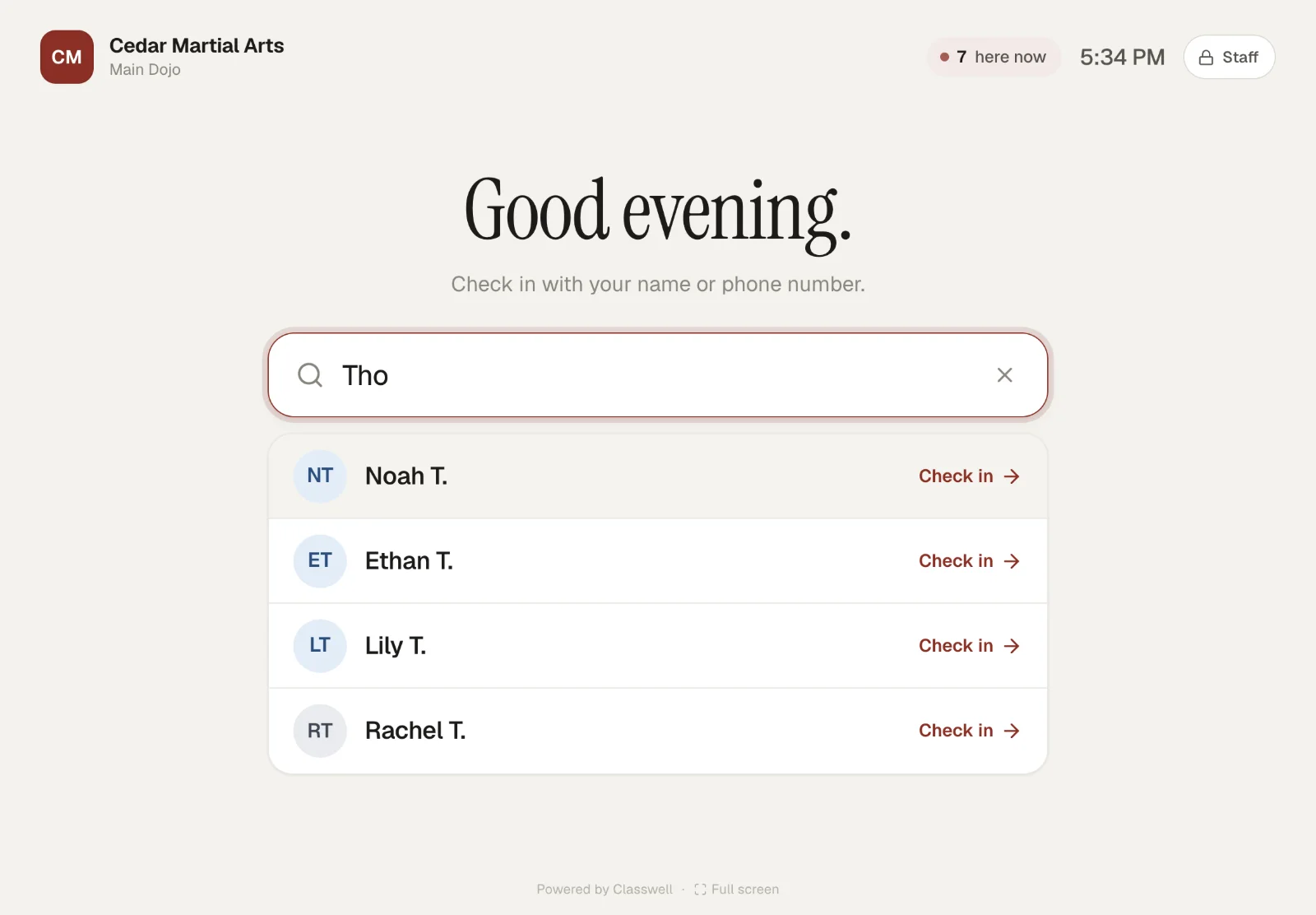
Make signing easy at the same moment. In Classwell, members can sign at the check-in kiosk after a quick identity check, on their phone from an emailed link, or you can record a paper form you already have. Guardians sign for each child, and you choose whether a missing signature blocks check-in or just warns.
Keep signed waivers for the long term
A waiver only helps if you can produce it when it matters, which can be years after it was signed. How long a person has to bring a claim depends on your state, and for children that clock often starts only when they turn 18. Many gyms simply keep every signed waiver for the life of the business.
Store them privately, back them up, and make sure the record shows the version, the date, and who signed, including the guardian for a child. If you are changing software, take your waiver records with you. Our guide to switching gym software covers what to export.
Questions owners ask
Are digital gym waivers legally binding?
Under the federal ESIGN Act, a signature or contract cannot be denied legal effect just because it is electronic. Whether a particular waiver holds up depends on its wording, how it was presented and your state’s law, the same as on paper.
Do minors need a different waiver?
They need a parent or guardian to sign, and in some states a parent cannot waive a child’s claims in advance at all. Many gyms use a guardian section or a separate youth form. Ask a lawyer in your state which approach fits.
How long should I keep signed waivers?
At least as long as someone could bring a claim, which depends on your state’s time limits, and longer for minors, whose time limit often starts when they turn 18. Many gyms simply keep them for the life of the business.
Do members need to re-sign when I change my waiver?
If the change matters, yes. Keep every version, record who signed which one, and ask people on an older version to sign the new one at their next visit.
Can I use a waiver template from the internet?
As a starting point for a conversation with a lawyer, perhaps. As your final waiver, no. A template will not describe your activities or follow your state’s rules.
Sources
- Exculpatory clause, Legal Information Institute, Cornell Law School
- Gross negligence, Legal Information Institute, Cornell Law School
- 15 U.S. Code § 7001: General rule of validity (ESIGN Act), Legal Information Institute, Cornell Law School
- New York General Obligations Law § 5-326, New York State Senate
Read next
 Front desk · 6 min read
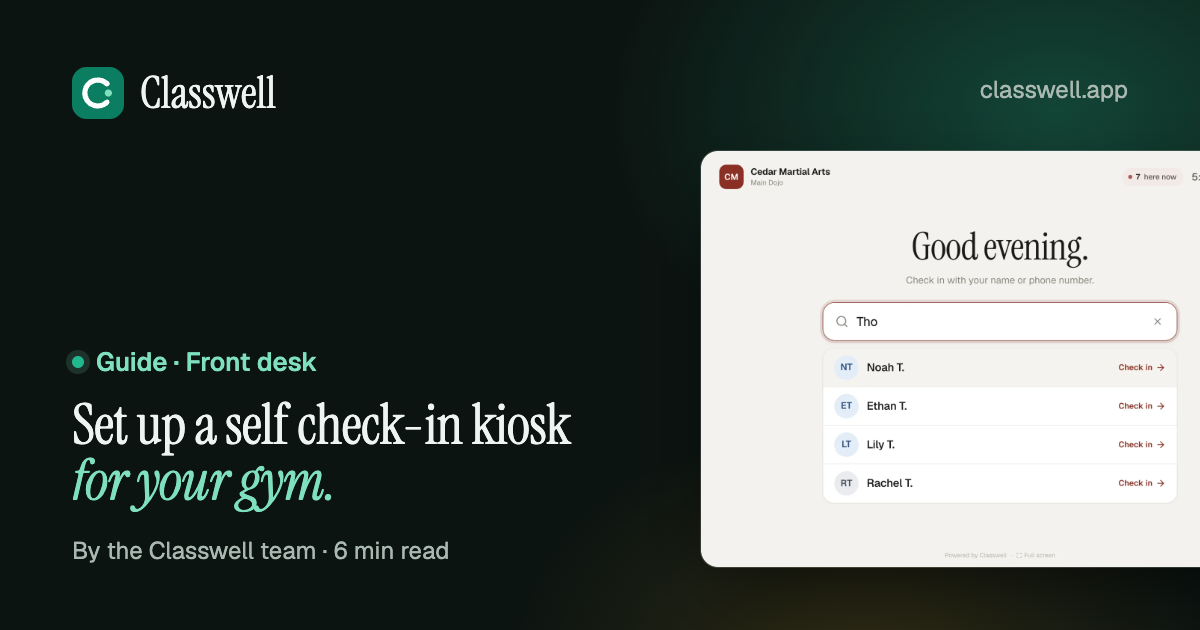
How to set up a self check-in kiosk for your gym
A tablet by the door can take check-ins off your front desk entirely, if it is in the right place, locked to one app and set up with sensible rules. This is what we learned setting one up at a busy gym.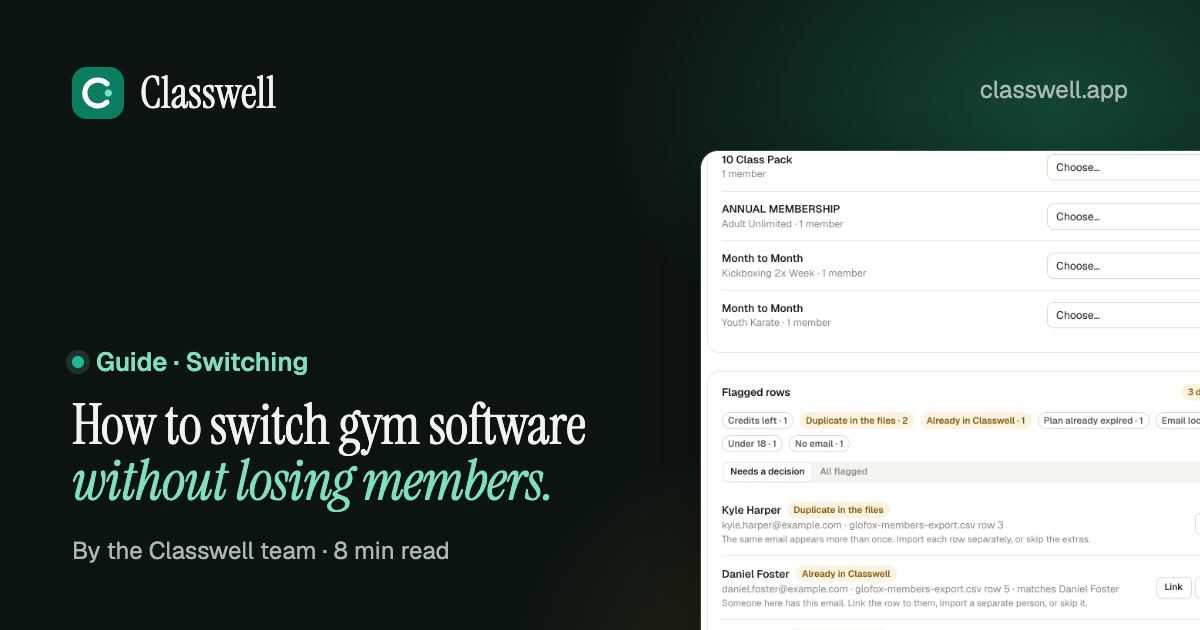 Switching · 8 min read
How to switch gym software without losing members
Members rarely leave because you changed software. They leave because of a surprise charge, a booking that vanished or a switch nobody explained. Here is the order of work that avoids all three. Martial arts · 8 min read
How to decide when a student is ready for their next belt
Every school promotes differently, and that is fine. What students and parents notice is when the rules change from one student to the next. Written criteria, tracked the same way for everyone, fix that.See it on a real schedule, not a sales call.
The demo gym runs on sample data. Click through the Today screen, the kiosk, the member app and a Glofox switch. No sign-up.