Guides / Choosing software
Guide · Choosing softwareHow to choose gym management software: a checklist for small gyms
Feature lists all look the same. The differences show up on a busy Monday evening, in the payment terms and on the day you want to leave. This checklist tests for those.
The short version
- Write down your real week first: classes, check-in, kids, ranks, leads and billing.
- Test every option with a real evening, not a sales demo.
- Ask who holds your members’ stored cards. It decides how hard it is to leave.
- Price the whole thing: payment fees, add-ons, setup, hardware and staff time.
- Ask what is live today. A promise is not a feature.
Every gym management software website lists the same features: scheduling, check-in, billing, a member app, reports. The lists are not wrong. They just do not tell you what you need to know, which is how the software behaves on your busiest evening, what it really costs, and what happens on the day you want to leave.
This checklist is built to find those things out. It is written for independent gyms, martial arts schools and studios, with one location or a few, where the owner usually still works the front desk.
Start with your week, not a feature list
Before you look at any software, write down how your week actually runs. Half a page is enough. It becomes the test every option has to pass.
- Classes: how many a week, how full, and whether you run waitlists, terms or drop-ins.
- The door: who checks people in, and how busy the busiest half hour gets.
- Kids and families: whether parents book and sign for several children.
- Progress: belts, levels or grades, and how you decide promotions.
- New people: where leads come from and who follows them up.
- Money: memberships, packs, drop-ins, and who your payment processor is today.
A yoga studio and a martial arts school both need a schedule, but they need very different things from it. Your list keeps a long feature tour from distracting you from the few jobs that matter to you.
The core every gym needs
Whatever kind of gym you run, these are the jobs software should do well before anything else counts.
| Job | What good looks like |
|---|---|
| Schedule and booking | Repeating classes, real capacity, waitlists that fill cancelled spots on their own. |
| Check-in | Self check-in by the door, plus a fast front-desk fallback. |
| Member records | One record per person, with families, notes and history in one place. |
| Waivers | Versioned, signed digitally, and checked at the door. |
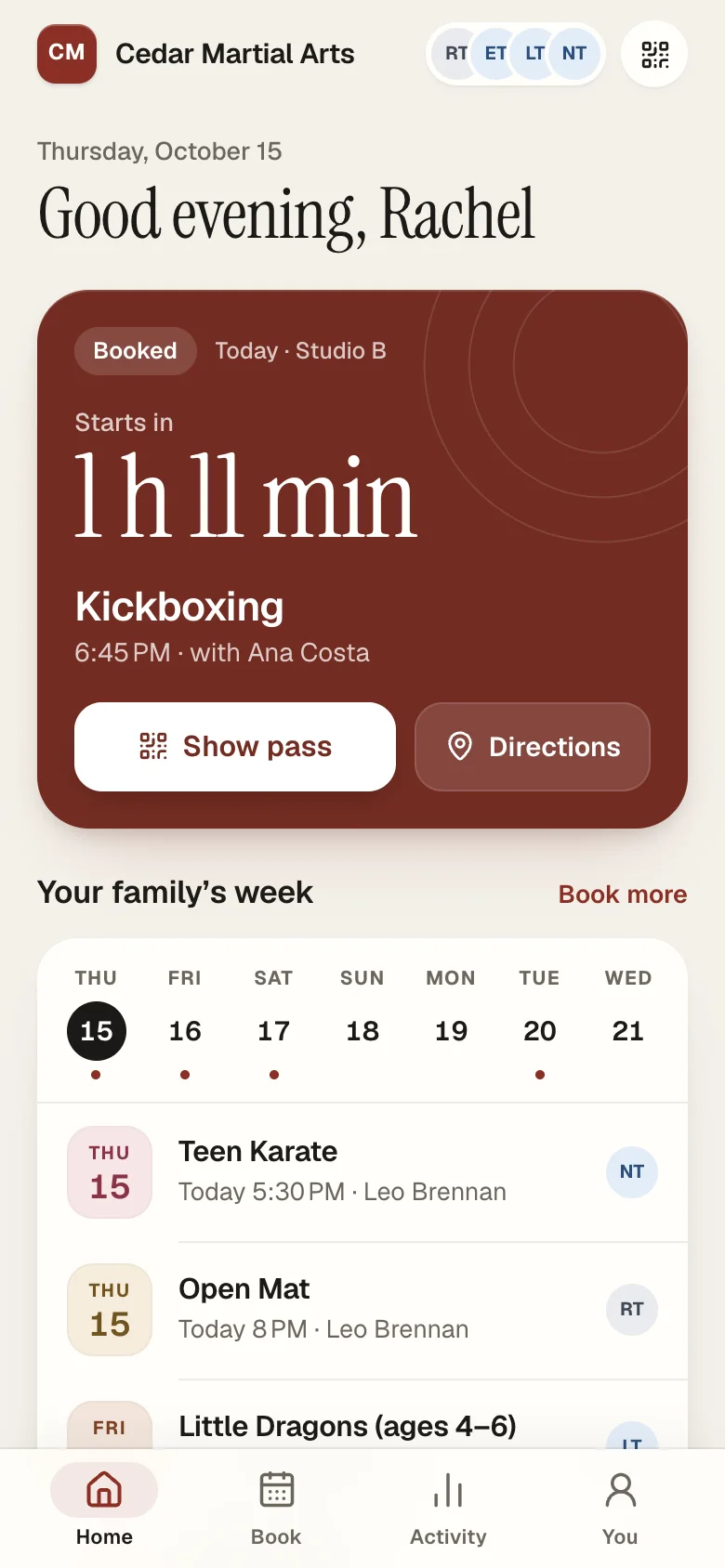
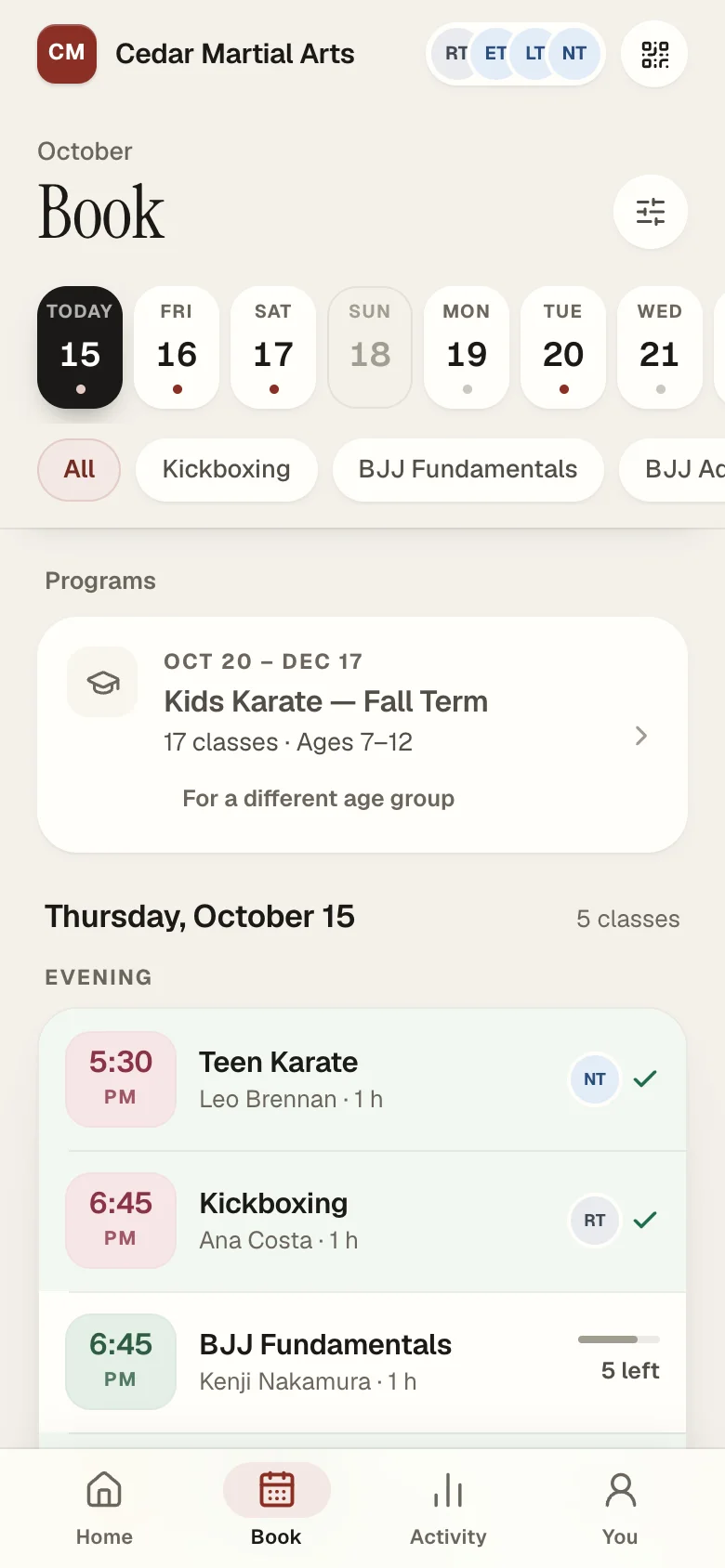
| Member app | Booking in a couple of taps, in your brand, without an app store hunt. |
| Billing | Autopay, failed-payment follow-up, and money that reaches you quickly. |
| Reports | Members, visits and leads over time, in numbers you trust. |
Test it with a real evening
A sales demo shows software at its best, run by someone who uses it every day. You need to see it at its most ordinary, run by you. Ask for a trial or a demo account and run your busiest evening through it.
- Set up two or three of your real classes, with real capacities.
- Book a member in from the front desk, then from a phone, as the member would.
- Check someone in, then check in someone with no waiver signed and see what happens.
- Book a parent's two children into different classes from one sign-in.
- Add a lead, give it a next step and find it again tomorrow.
Pay attention to how many taps each job takes, and how it feels on a phone. Your front desk will do these things hundreds of times a week.
Questions to ask every vendor
Ask these in writing. Clear, specific answers are a good sign. Vague ones tell you something too.
- Can I export all my data, any time, without asking? Members, leads, attendance, waivers and plans, in a format another system can read.
- Who holds my members' stored cards? In your own payment account, or in the vendor's? It decides how hard it will be to leave.
- What do you charge on payments, on top of the processor's own fees?
- How long is the contract, and what is the notice period? Does it renew automatically?
- What will I pay in year two? Introductory prices end. Ask for the full price after any offer.
- Which of these features are live today? Ask about the ones you need, one by one. A promise is not a feature.
- Who moves my data, and is it included? Ask what they check, and whether your old system can keep billing during the move.
- How fast does support answer, and who answers? A person who knows the product, or a ticket queue?
- How do you protect my members' data? Ask about two-factor sign-in for staff, backups and who can see what.
- Does the member app carry my brand, and can parents manage several children from one sign-in?
The costs that are not on the pricing page
The monthly price is the number everyone compares. It is often not the biggest one. Add these up for each option before you decide.
- Payment fees on top of processing. A small percentage on every membership adds up to more than many monthly plans.
- Add-ons. A branded app, marketing tools or extra locations sometimes cost extra.
- Setup and migration. Some vendors charge to move your data or set you up.
- Hardware. A tablet for check-in, a scanner, perhaps a card reader.
- Staff time. Training, plus the hours a clumsy front desk adds every week.
Payments: the choice that is hardest to undo
Of everything you choose, payments are the hardest to change later. If your members' cards sit in an account only the software vendor controls, leaving means asking them to release the cards, or asking every member to enter their card again.
The more portable setup is a payment account in your own name, such as your own Stripe account connected to the software through Stripe Connect. Your customers and their cards stay with you if you ever change software. Whatever the setup, card data should be handled by a processor that follows thePCI security standards, never by your staff or in your spreadsheets.
A simple scorecard
Score each option from one to five on the things that matter to you, and weight what matters most. It keeps the decision honest when two demos blur together.
| Criteria | Weight | Option A | Option B |
|---|---|---|---|
| Your busiest evening, run by you | ×3 | ||
| Member booking on a phone | ×2 | ||
| Check-in and waivers at the door | ×2 | ||
| Total cost in year two | ×2 | ||
| Your data and cards, portable | ×2 | ||
| Help moving over | ×1 | ||
| Support you can reach | ×1 |
Where Classwell fits, honestly
We would be a poor guide if we did not answer our own questions. Classwell is built for independent gyms, martial arts schools and studios. Here is where it stands today.
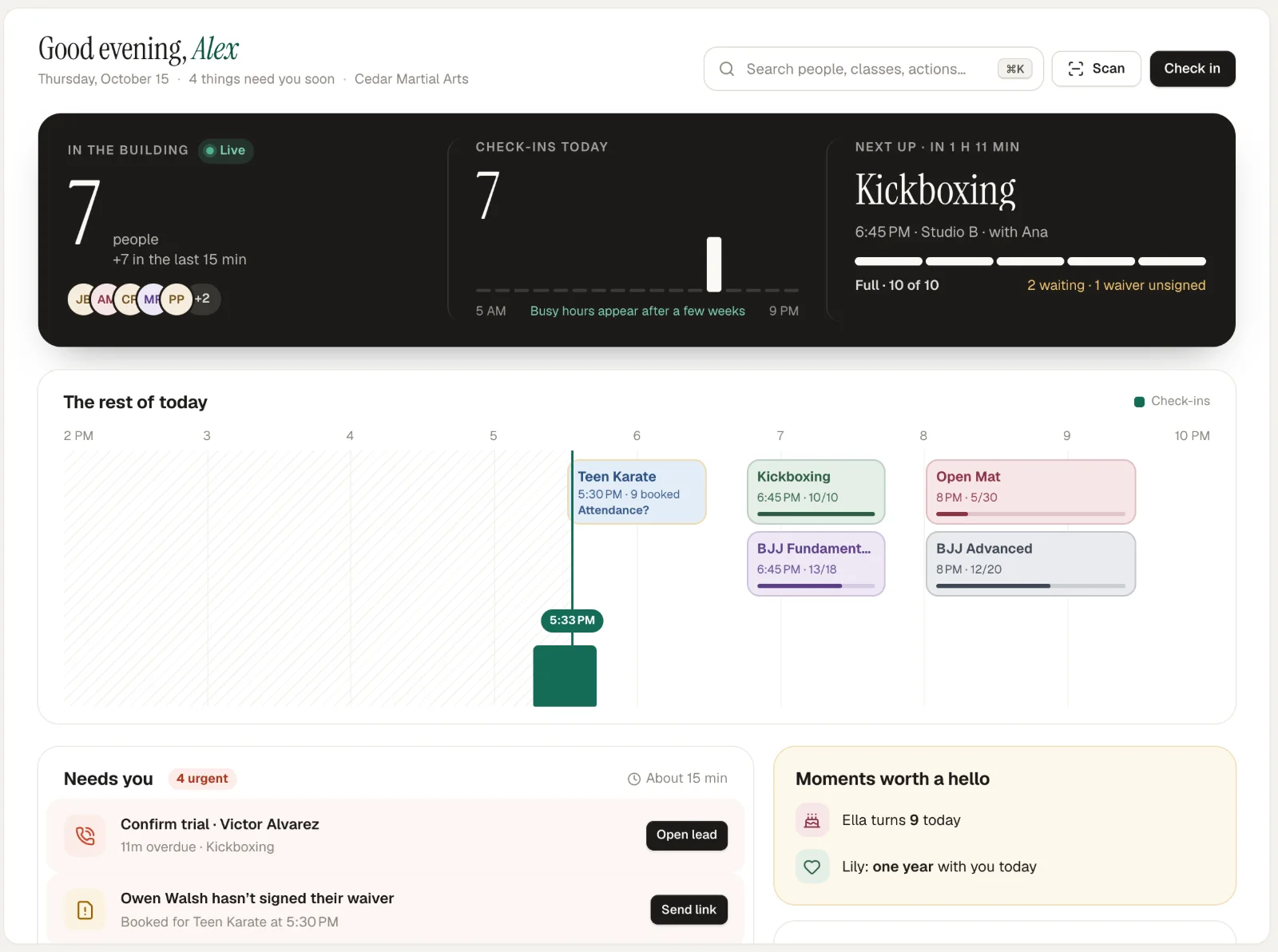
- Available now: the Today screen, classes and schedule, self check-in, waivers, a branded member app, families, programs, belts and levels, leads, and payments that go straight to you.
- Moving over: a ready-made Glofox importer, and other systems moved by hand, part of every plan.
The fastest way to judge it is to use it: the demo gym runs on sample data with no sign-up, and pricing is published, with every feature in every plan. When you have chosen, our guide to switching gym software walks through the move.
Questions owners ask
How much does gym management software cost?
Prices range widely, from a few dozen to several hundred dollars a month, before payment processing. Compare the total: the monthly plan, any per-member or per-location charges, payment fees on top of your processor’s, add-ons and setup.
Do I need a branded member app?
If members book classes, a good mobile booking experience matters more than whether the app sits in an app store. A branded web app installed to the home screen does the same job for most studios.
Is all-in-one software better than separate tools?
For most independent gyms, yes: one member record for scheduling, check-in, waivers and billing means fewer things to keep in sync. Separate tools make sense when one job, such as marketing, needs a specialist.
How long does it take to switch to new gym software?
Two to four weeks is typical for an independent gym, most of it spent checking the data and running both systems side by side. Our switching guide walks through the steps.
Sources
- Payment Card Industry Security Standards Council, PCI SSC
- Stripe Connect, Stripe Docs
Read next
 Switching · 8 min read
How to switch gym software without losing members
Members rarely leave because you changed software. They leave because of a surprise charge, a booking that vanished or a switch nobody explained. Here is the order of work that avoids all three. Front desk · 6 min read
How to set up a self check-in kiosk for your gym
A tablet by the door can take check-ins off your front desk entirely, if it is in the right place, locked to one app and set up with sensible rules. This is what we learned setting one up at a busy gym. Martial arts · 8 min read
How to decide when a student is ready for their next belt
Every school promotes differently, and that is fine. What students and parents notice is when the rules change from one student to the next. Written criteria, tracked the same way for everyone, fix that.See it on a real schedule, not a sales call.
The demo gym runs on sample data. Click through the Today screen, the kiosk, the member app and a Glofox switch. No sign-up.